ANNOUNCEMENTS
A user who belongs to a specific person, group, department, title or position or defined in the system groups to post an announcement or display a posted announcement area.
Top Bar – Only active announcements are listed in the popup that opens when the Announcements icon is clicked. All To view announcements, click the "Go to All" link, and to add a new announcement, click the "Add " button. is clicked.

The announcement addition function works depending on the authorization. Someone can add an announcement If desired, under the authorizations of System Manager – Authentication Manager – Web The "webAnnouncementCreate " authority must be defined to the relevant person. Announcement popup and on the detail screen, the "Add" buttons are used for end users where this authorization is not defined. will not be visible.
Above the announcement icon, only the number of unread announcements received by the person is shown. Person When an announcement is posted while trading in the interface, this information is displayed in the number in the upper-right announcements icon. It is shown as. When the announcement icon is clicked, the incoming announcement will be made before the screen is closed. message can be taken a quick look at the message.

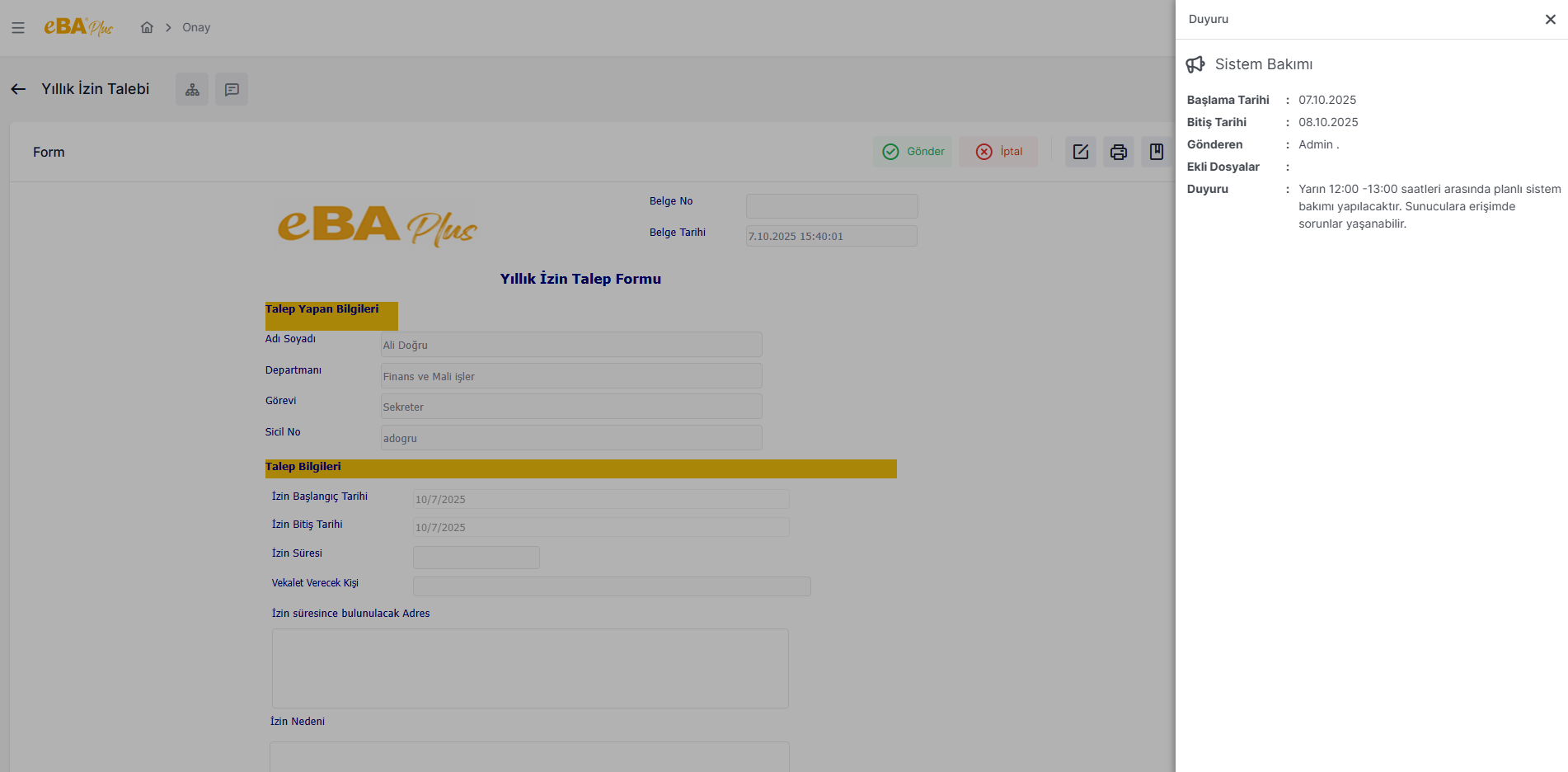
If you want to view the announcement details, click on the announcement card. To the announcement card When clicked, the date of the announcement, who published the announcement, additional files, if any, etc. The side panel opens with the relevant detailed information.
Announcements marked as "Important " are distinguished from others by the red announcement icon.
