Announcement Detail Screen
When the "Go to All " link is clicked on the "Announcements " popup, the announcement detail screen opens.
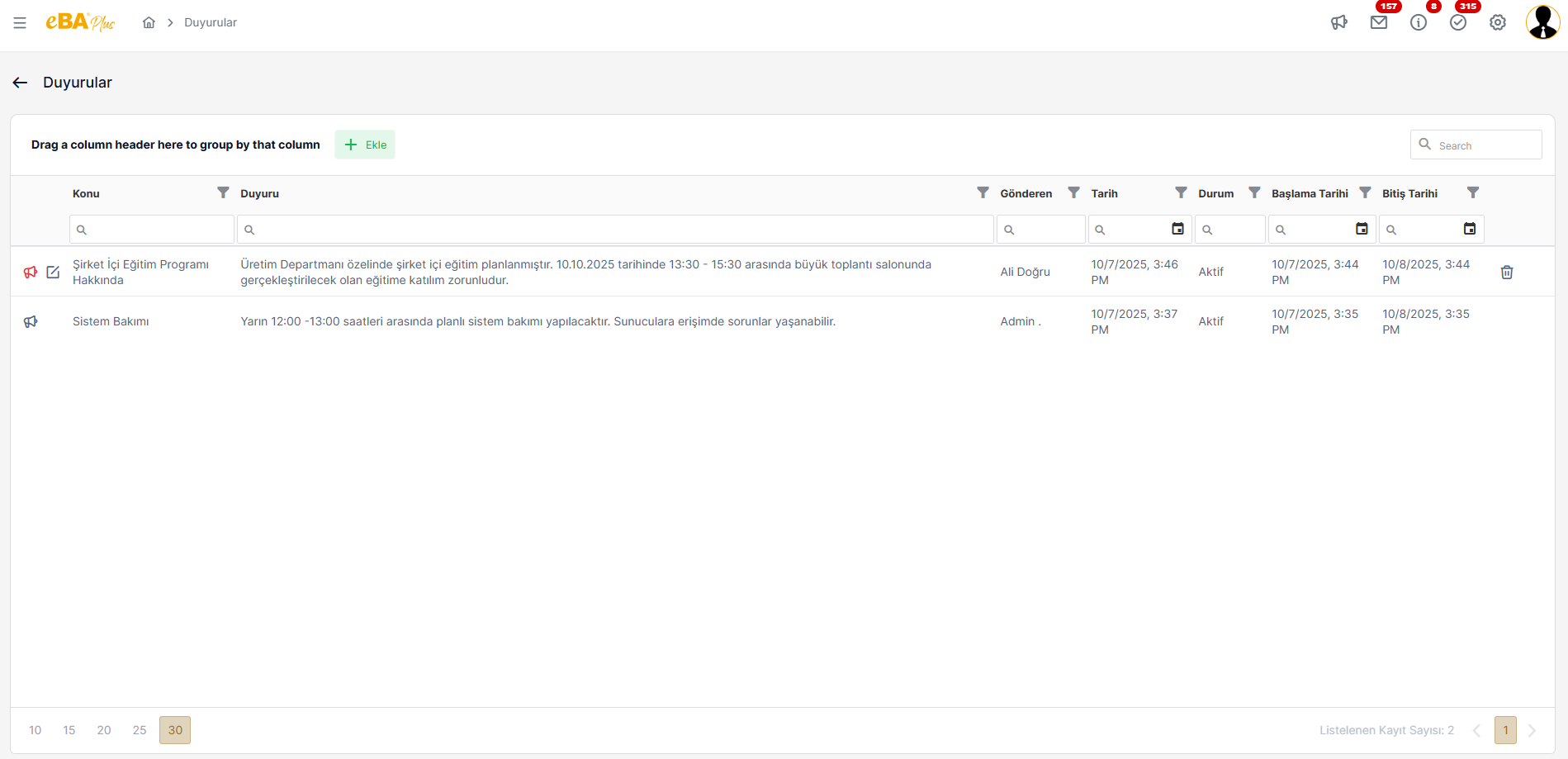
On the announcement detail screen, all active/passive announcements are listed. To the announcement records listed here When clicked, the side panel where the announcement details are shown opens.
From this screen, the person can only delete or edit the announcements they have added. Person's own There are " Edit " and " Delete " icons in the announcement line he added.
Clicking on the Delete icon opens a modal with a transaction confirmation. The person can use the operation in this modal. If it approves, the relevant announcement record is stored in the database "ANNOUNCEMENT " table and the DELETED column is updated from 0 to 1.
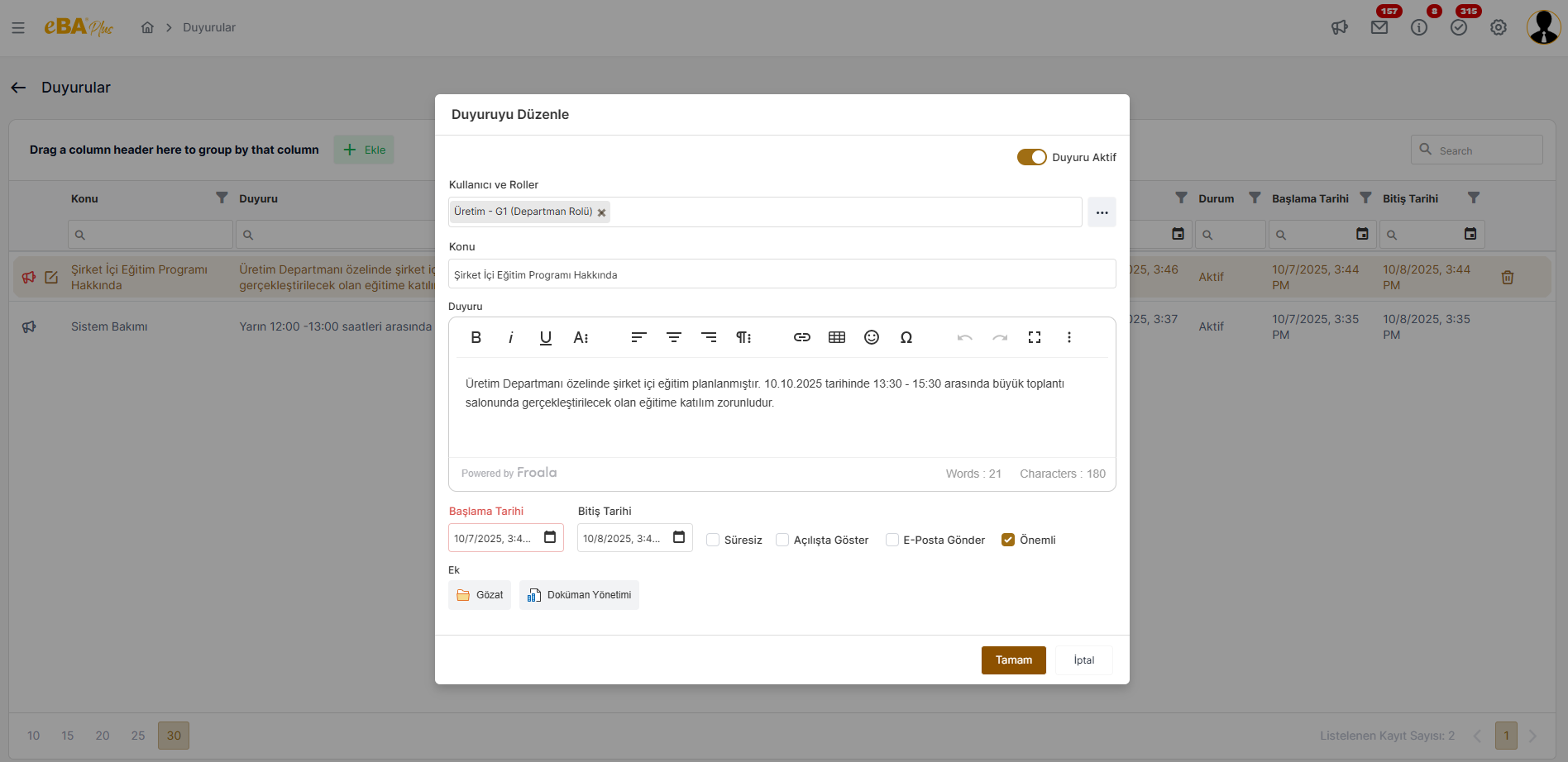
When the Edit icon is clicked, the editing screen is displayed with the fields of the relevant announcement record filled. opens in modal. When the person makes the edit and clicks the "OK " button, the current announcement updated.