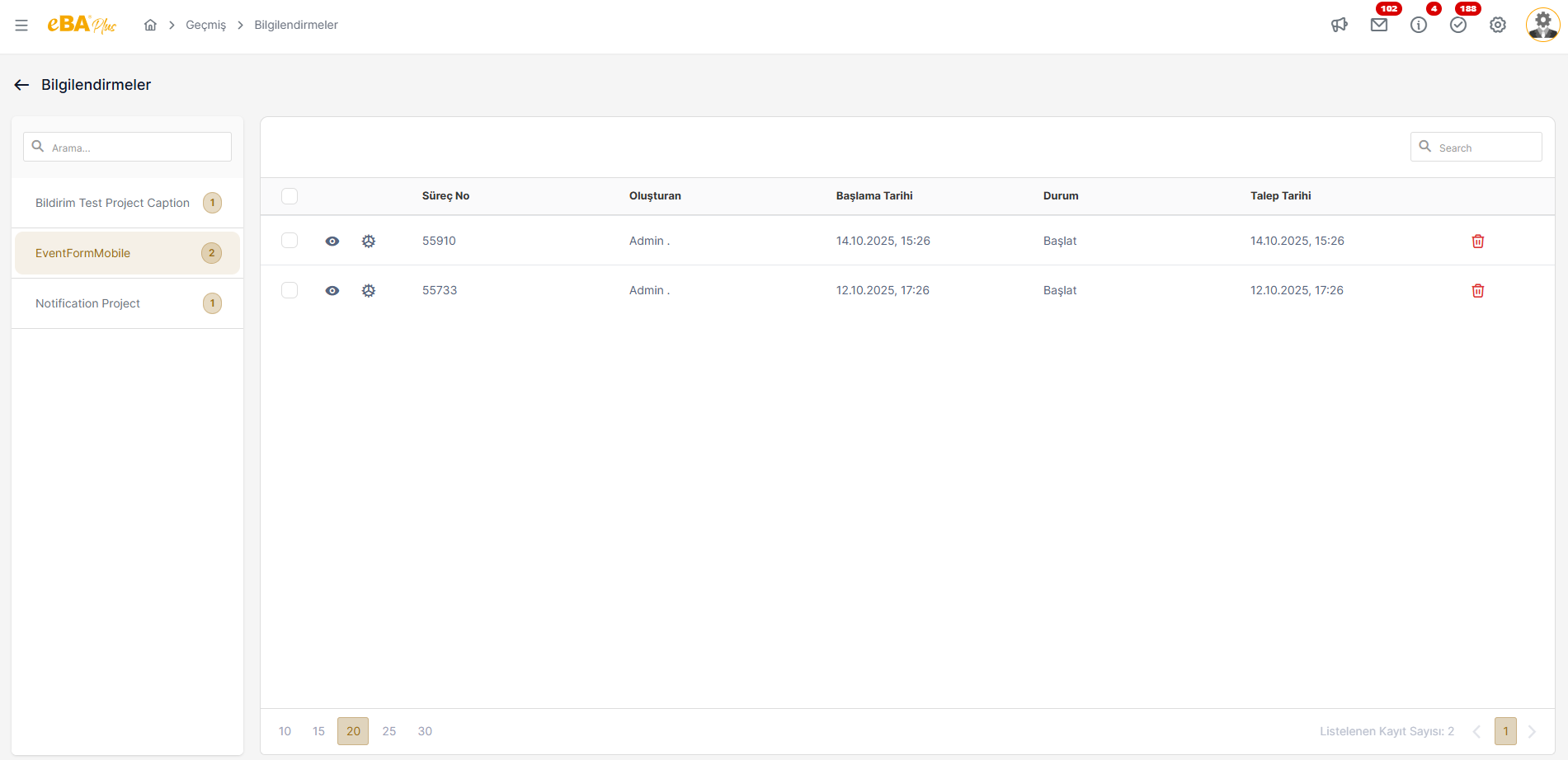
INFORMATION
This is the section where the information sent to users within their workflow is listed.
In the popup that opens when clicking on the Top Bar – Information icon, the people who are logged in to the interface The user is listed with the information received in the last 1 week that has not been deleted. Older, To access the information records, click on the "Go to All " link in the Notifications popup. should be clicked.
The number shown on the notifications icon is shown to the user who logs in to the interface, in the last 1 week. It is the number of unread information records in it. When new information arrives, the icon The number value on it increases. When the information is read, this number value decreases.
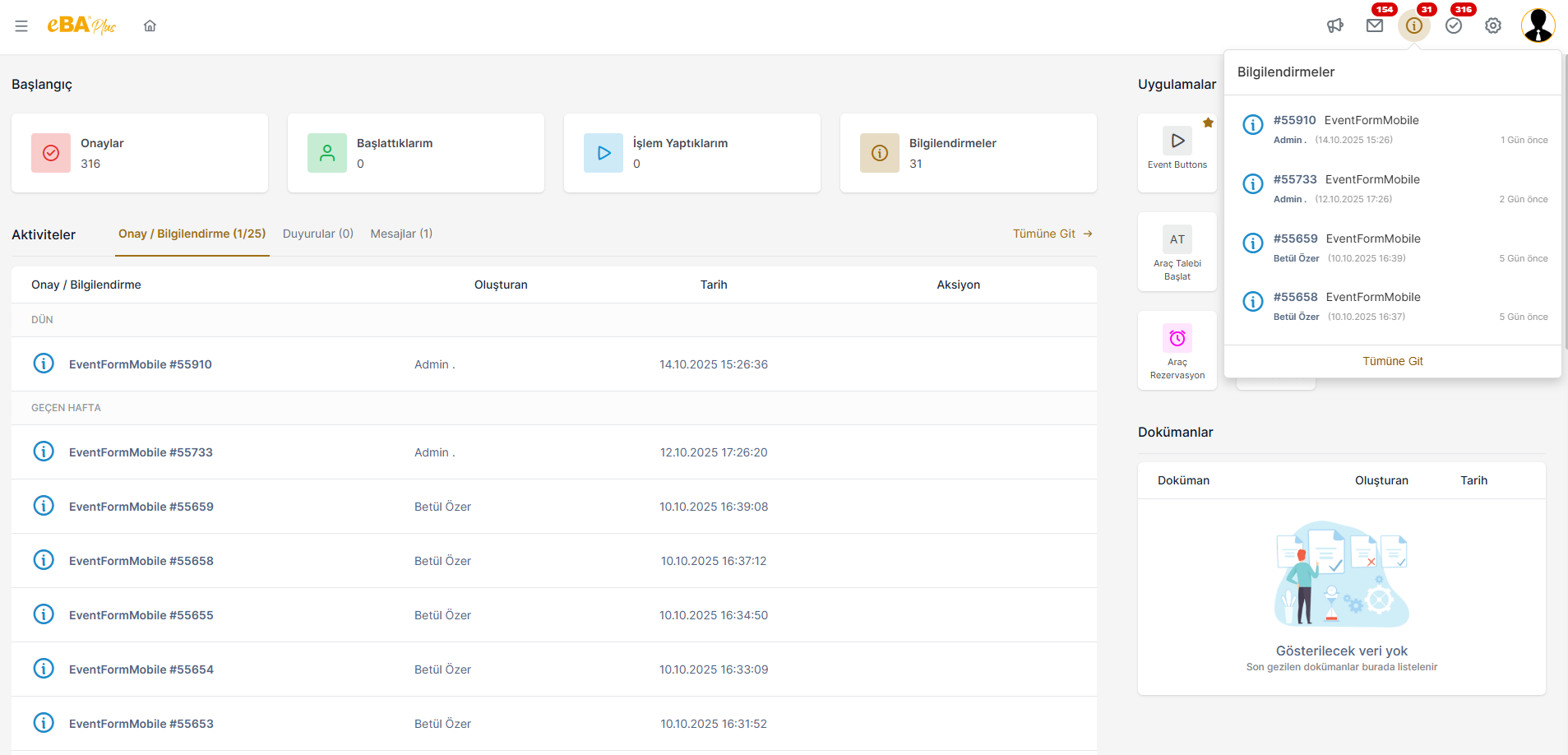
When the information card listed in the popup is clicked, that information is accessed during the process. If a document is attached, the form screen where the relevant document is displayed opens.
When you click on the "Go to All " link in the notifications popup, you will see the
The information records are transferred to the detail screen where they are listed on a process basis. To earlier dates
To access the information records of the Workflow Management -> History, date-based
filtering should be done.