PROFILE
It is the part where the transaction and profile settings of the user logging into the web interface are performed.
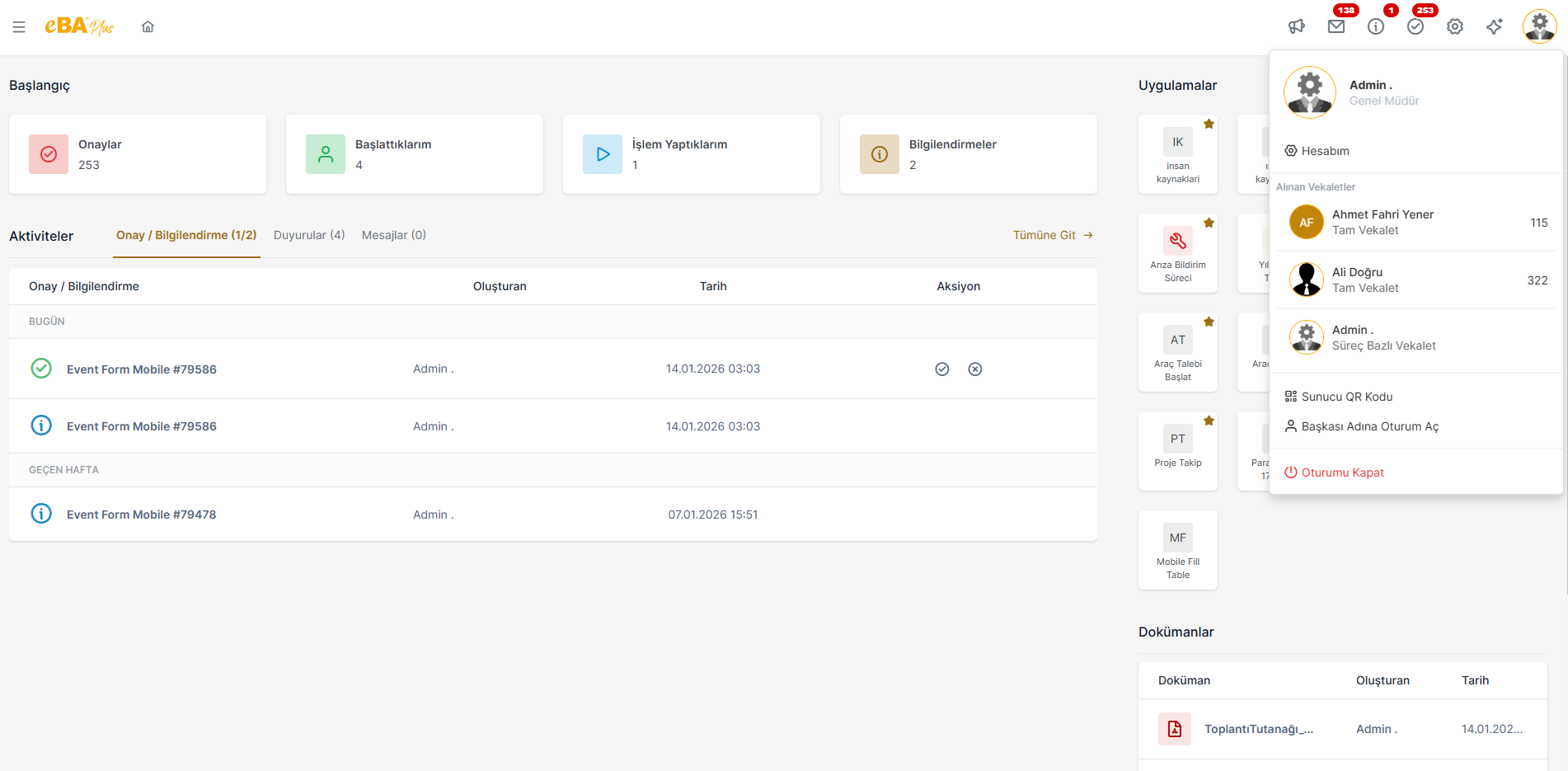
When the Profile icon is clicked, the profile picture, name, surname, title of the user logged into the account will be displayed. information is shown in the profile panel.
From the My Account section, some settings and operations of the relevant user account can be performed.
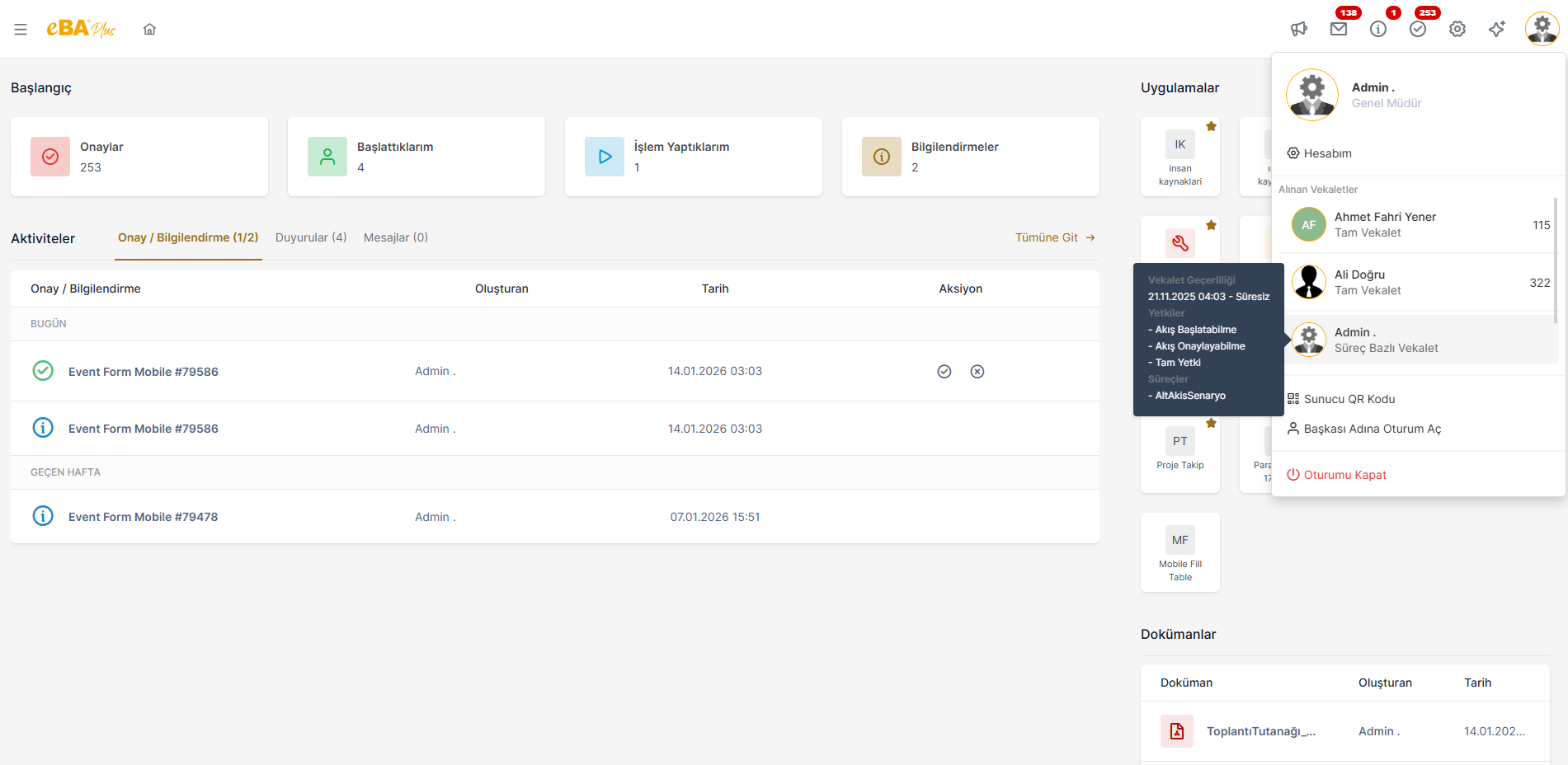
Under the heading "Powers of Attorney Received**, there is a list of powers of attorney sent to the person concerned. Who is your power of attorney? and in what type it is given is shown in this list. The person must enter a power of attorney record given to him/her When he clicks, he will be transferred to the account of the person giving the power of attorney, by proxy within the framework of the powers given to him. transitions. Logs of transactions made by proxy are shown in the system that the transaction was made by proxy. is held.
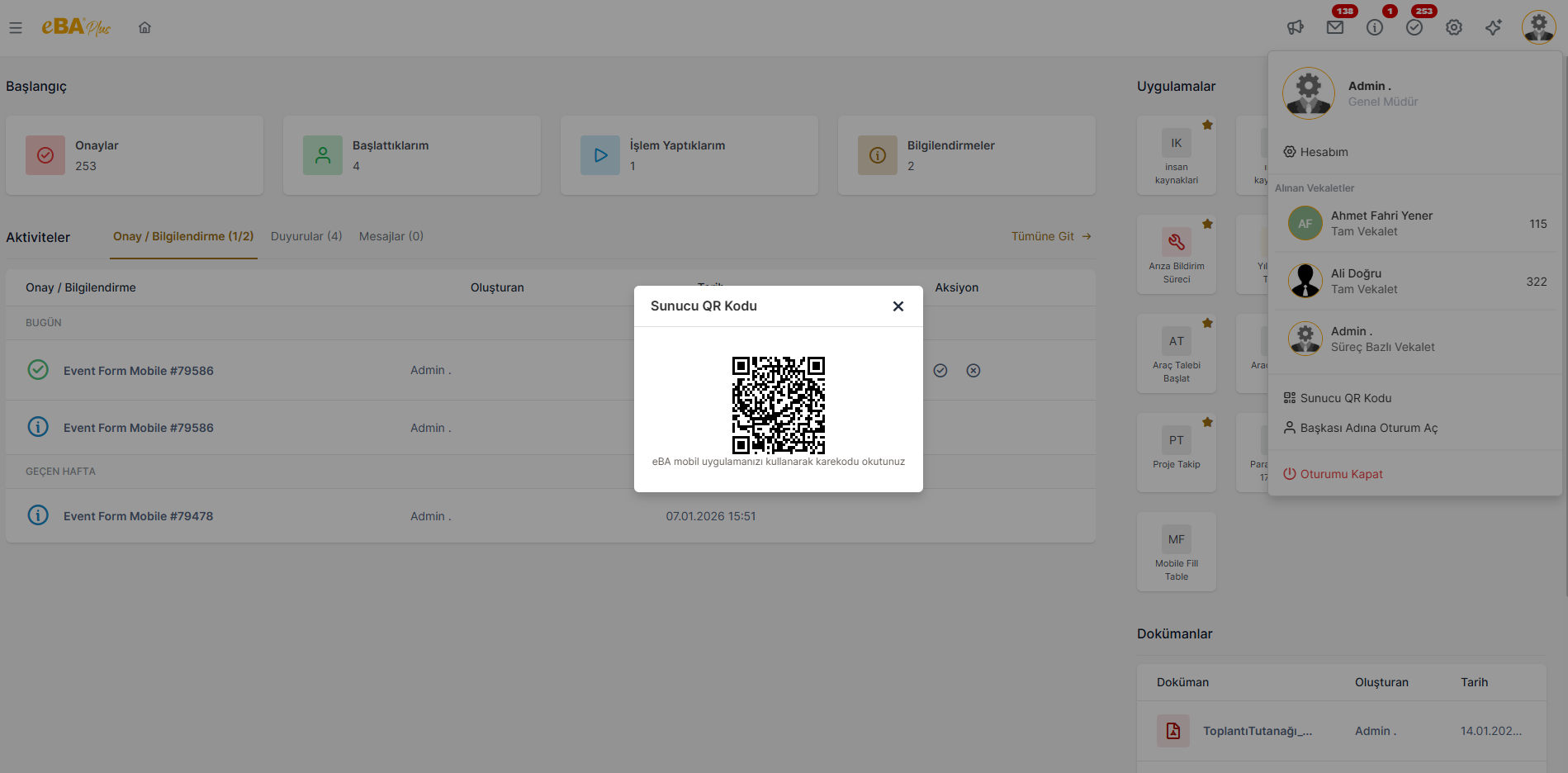
When the Server QR Code field is clicked, a QR code generated by the system for the relevant server is displayed on the screen. income. By scanning this QR code in the mobile application, the user can enter the relevant server information in the mobile application. can arrive automatically.
The Sign in on Behalf of Someone Else button is only visible to users who are authorized to do so happens.
If a user is required to be able to log in on behalf of all users defined in the system, he
For the user, under System Manager -> Authentication Manager, "webLoginAsUserAdmin "
authority must be defined. If the person is only connected to the user instead of the
If you are asked to be able to log in, under System Manager -> Authentication Manager
The "webLoginAsUser " authorization must be defined for that person.
When the "Log in on Behalf of Someone Else" button is clicked, the user will be presented with the list of users comes up. And the person selects from this list by selecting the person they want to sign in to can switch to the person's session.
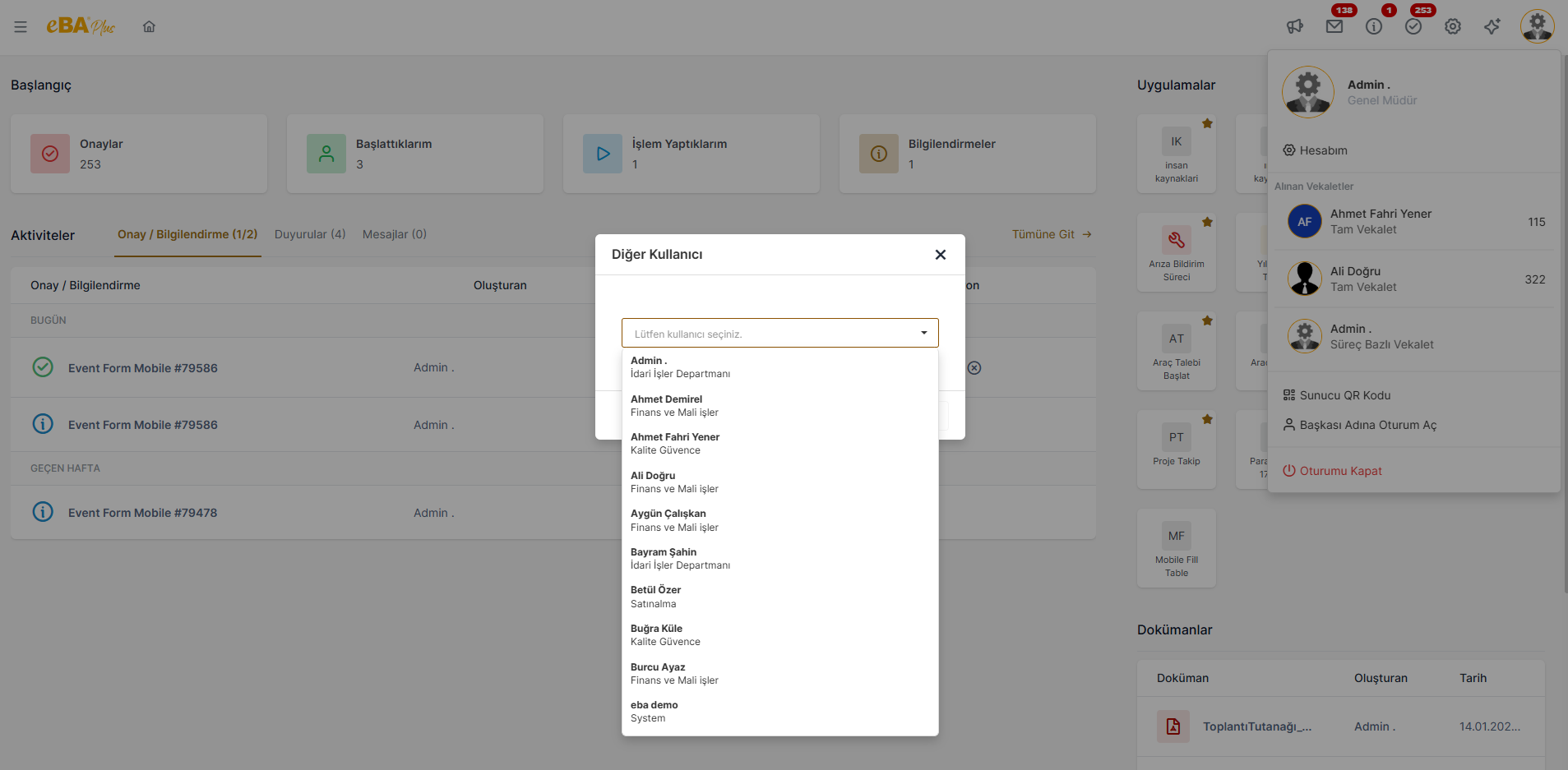
Transactions made by logging in on behalf of someone else will indicate that the transaction was made 'on behalf of someone else' It is logged in the same way.
The Log Out button is the option used to log out of the current session.