ACTION GUIDANCE
During action planning, the person who will do the work can direct the planned action to different personnel. In order to be able to redirect, first of all, the parameter value "Will action forwarding be used?" numbered 40 in the System Infrastructure Definitions > Action Planning Parameters menu must be set to yes. If the relevant parameter value is set to "Yes", the "Routable" check box will be active while planning the Action item.
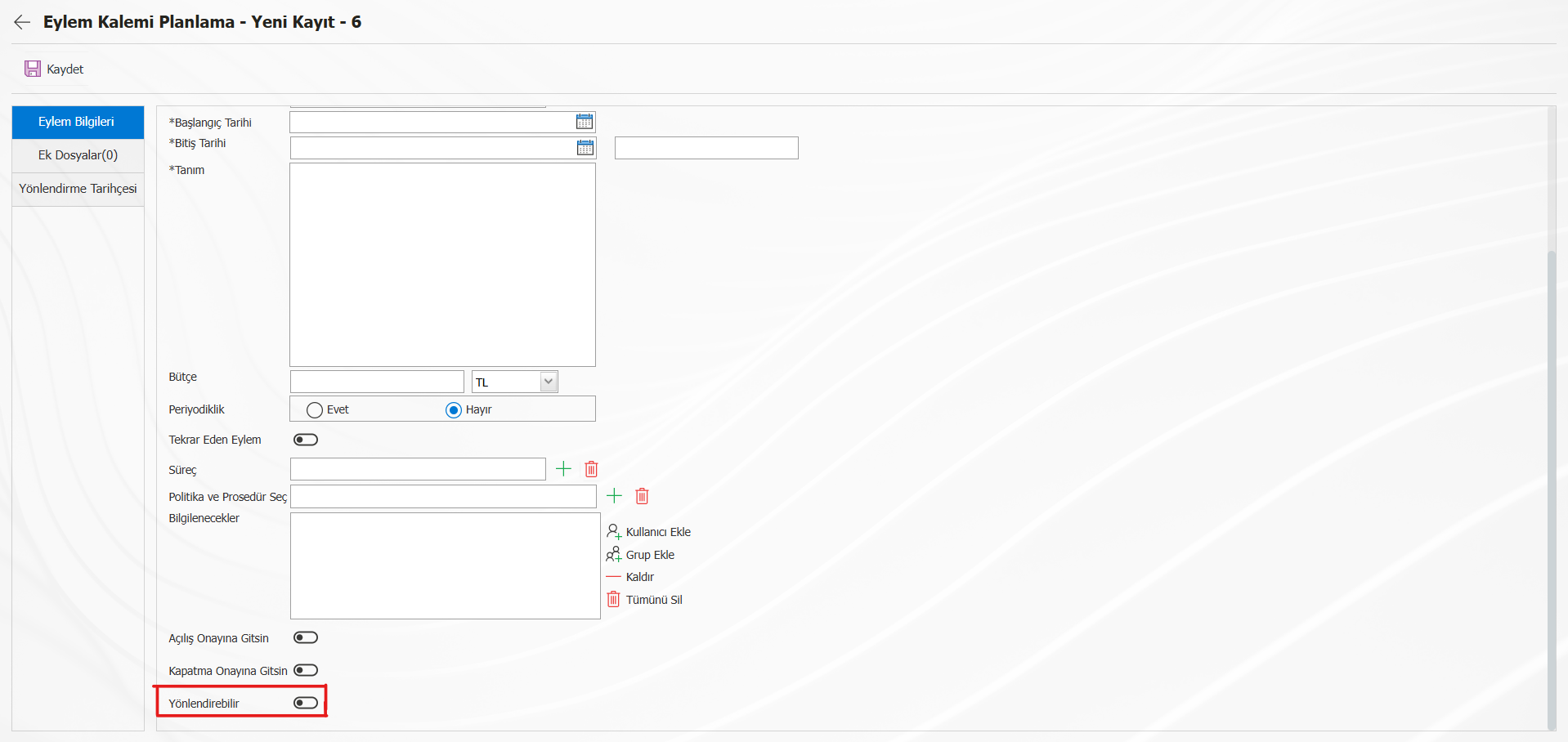
The personnel who plan the action item will be able to give the directing authority to the person who will do the work by marking the check box.
The person who will do the job will direct the referral process in the "Type of person who can be directed in action routing (Affiliated person: B Department :D Workplace :I Sub-Department :AD)" parameter value. If "B" is written in the relevant parameter value, the personnel will be able to direct to the people who are affiliated with him, if "D" is written, to the personnel working in his own department, and if "AD" is written, to the personnel working in the sub-departments of the department of the person who will do the job. While the relevant values can be selected more than once with the help of "," (Comma), if the parameter value is left blank, the personnel with forwarding authority will be able to direct to all personnel in QDMS.
