Associated Field in Risk Management
While the values of list-type fields are displayed during data entry, filtering can be provided according to the value selected in another list-type field.
The use of this feature is explained with the following example;
First of all, the two fields to be related and their values are defined.
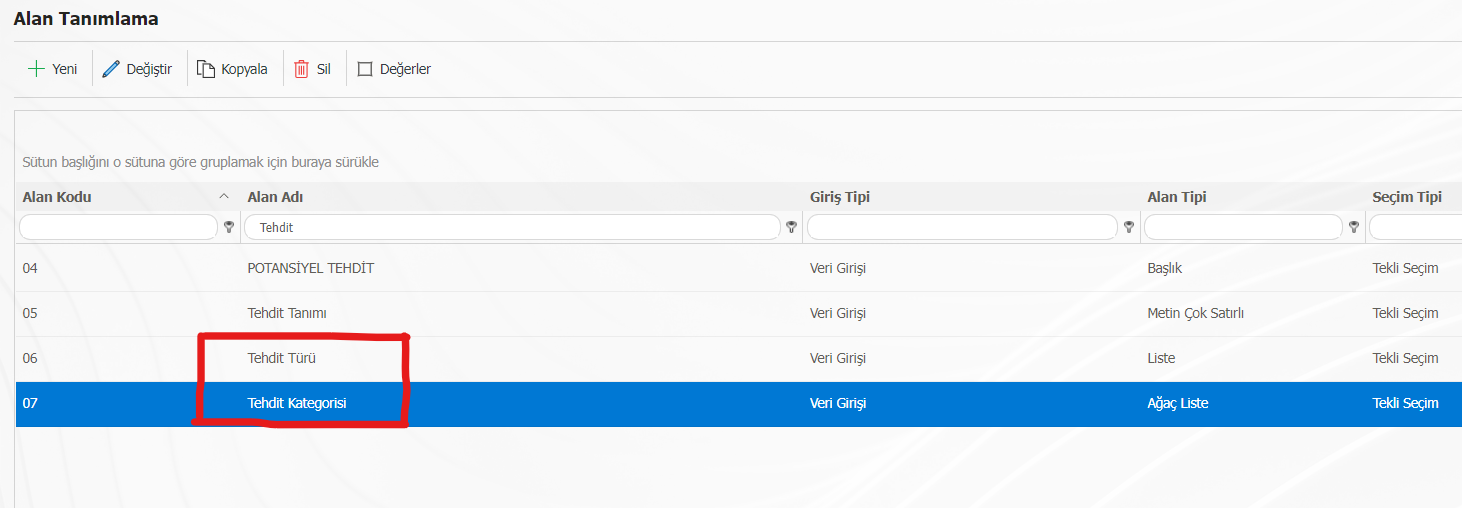
Values for Threat Type:
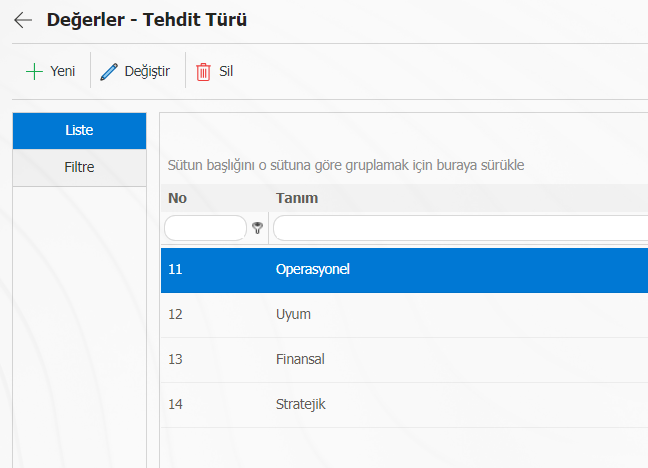
Values for Threat Category:
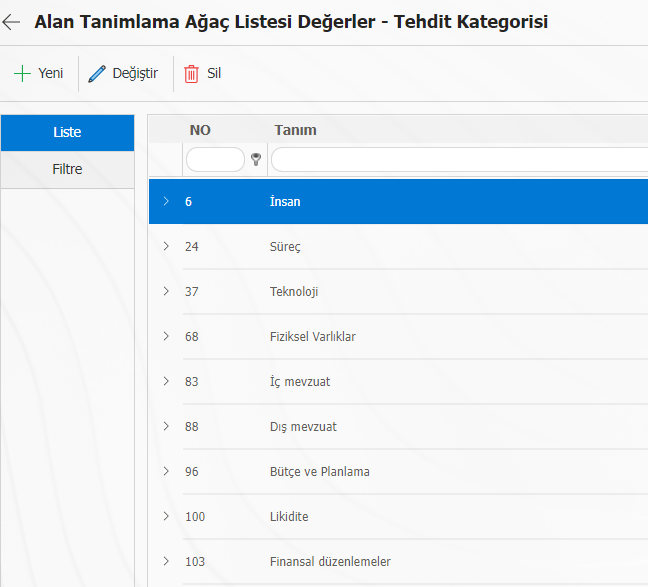
The field associated with the list-type field to be filtered should be selected. The example asks for a list of threat categories based on the threat type.
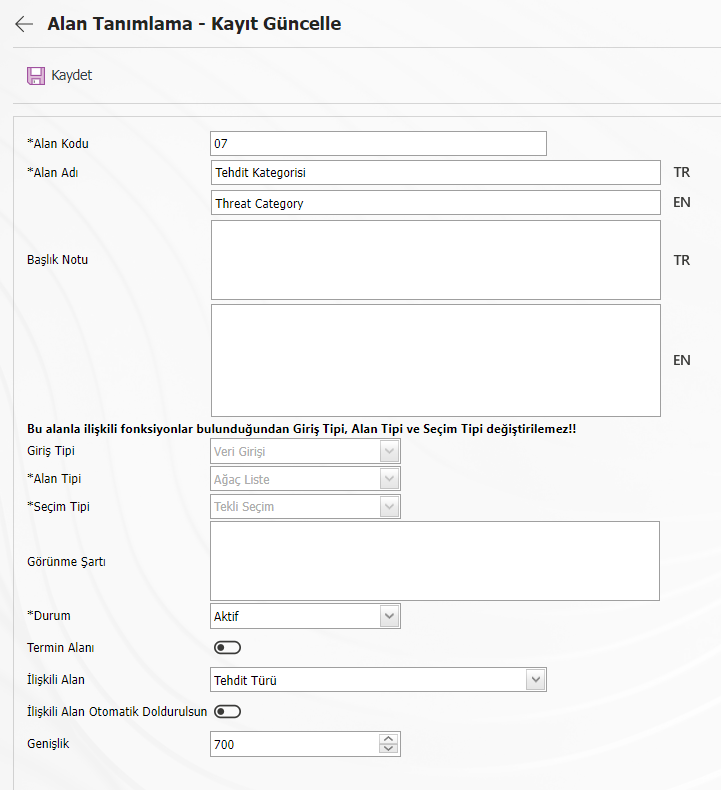
After doing this, when the values of the threat categories are entered with the update button, the "Associated Field" field will be active. Here, the values in the definition are selected when the threat type is selected.
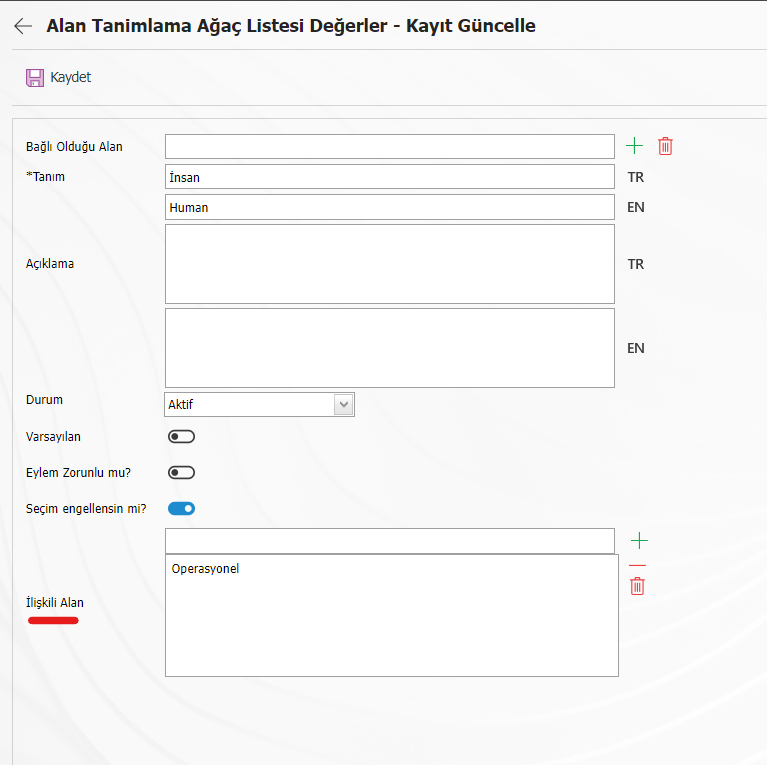
After establishing a relationship for all values, the threat category values will be provided according to the threat type selected while entering the data.