RE-SELECTION OF FIELD VALUE IN REGISTRATION CONTROL
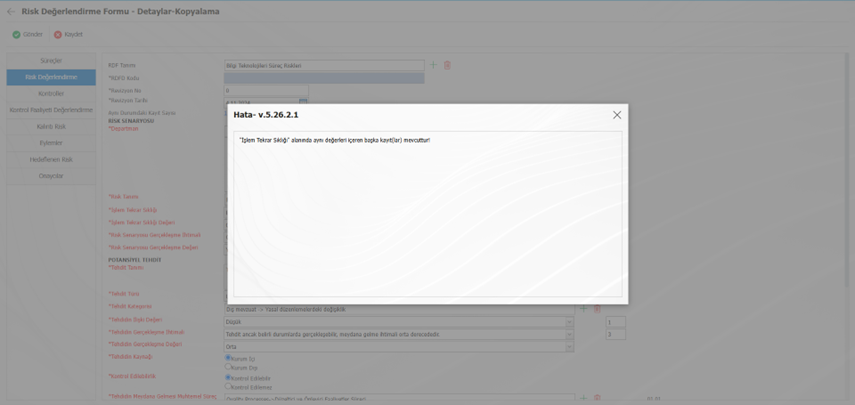
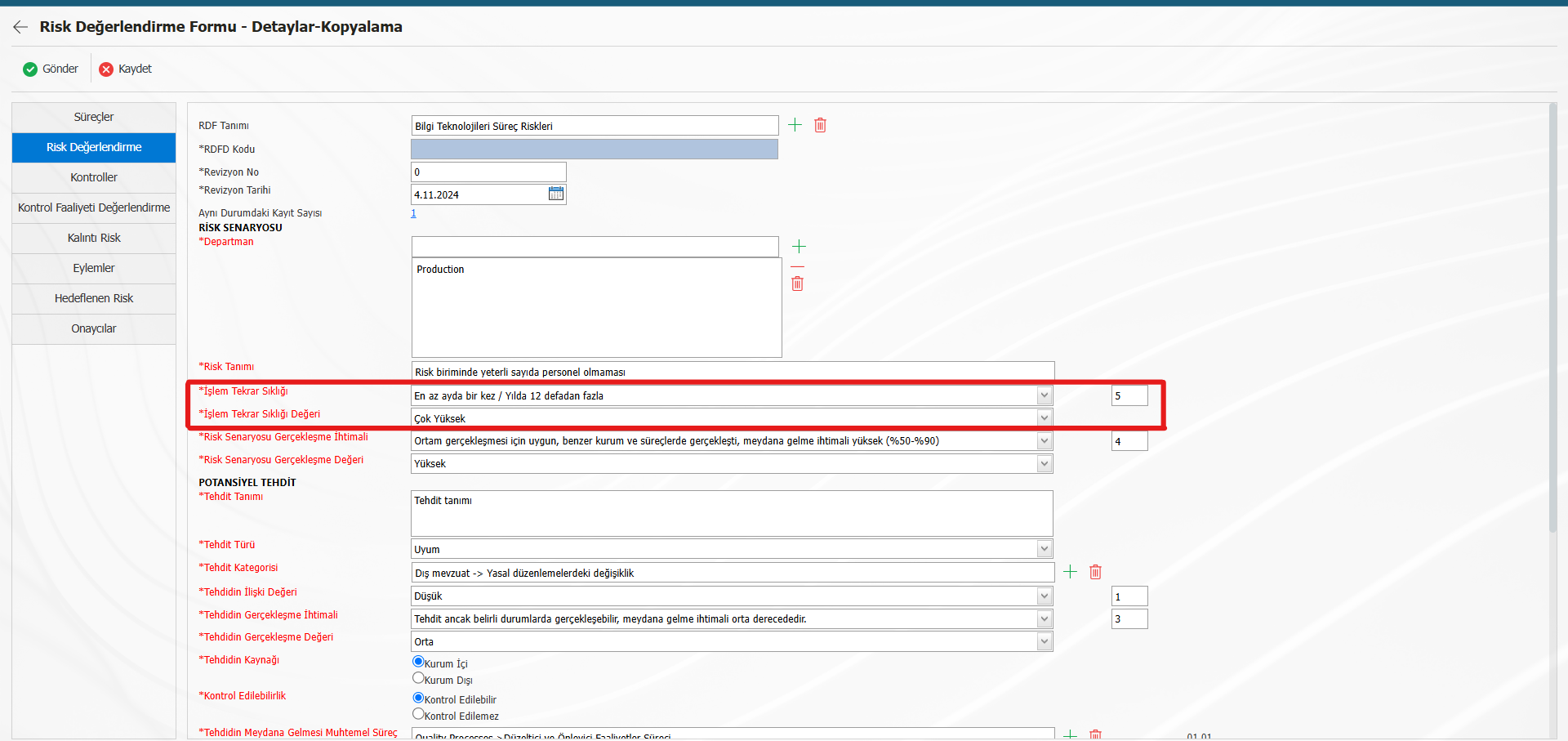
If the record control parameter (No. 83) is "Yes", the No. 91 "Prevent saving the same record in the record control?" If the parameter is selected as "Yes", the "Operation Repetition Frequency" field value in the sample image will prevent the same value on each form basis or in all forms (according to parameter value 83) and force different value selection by giving a saving error.
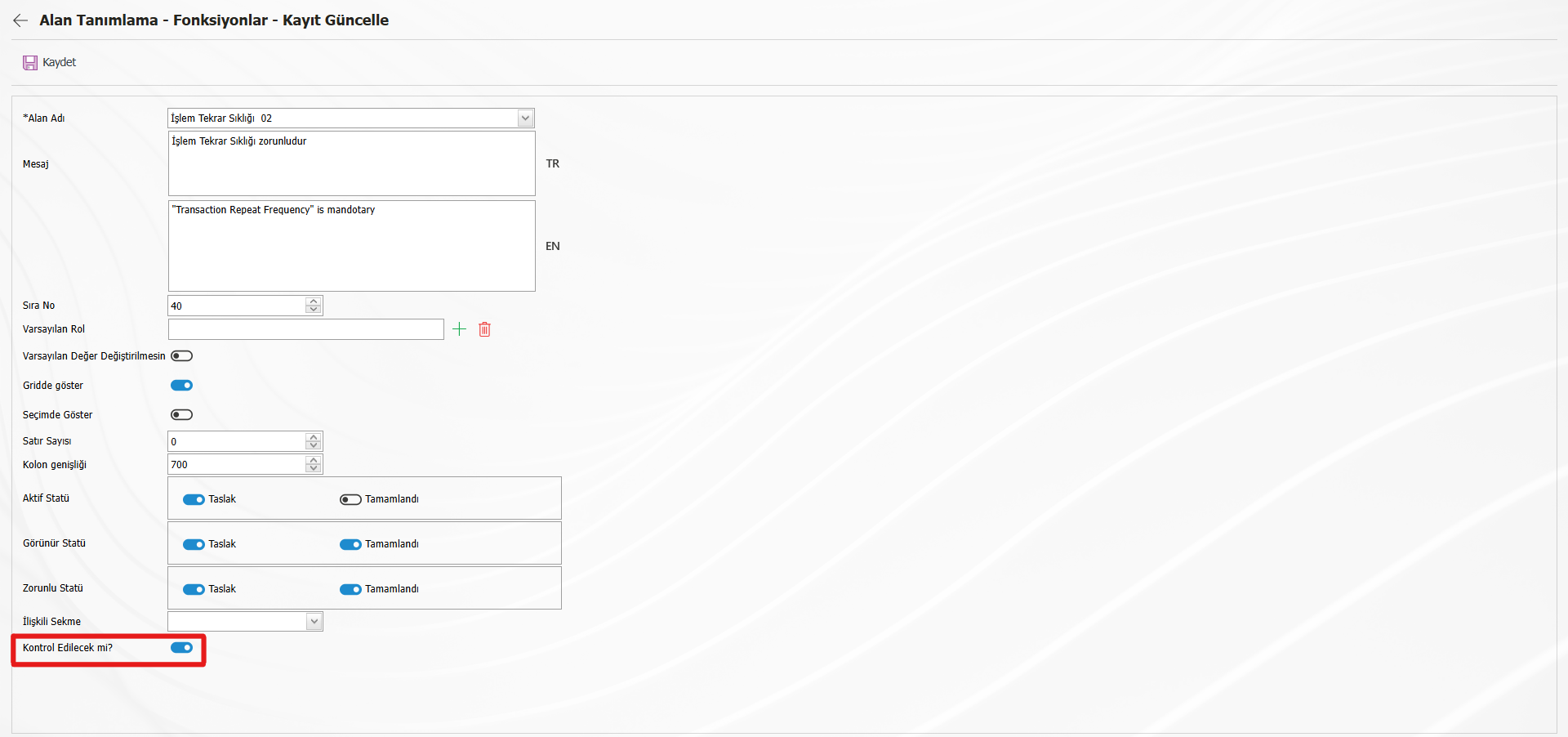
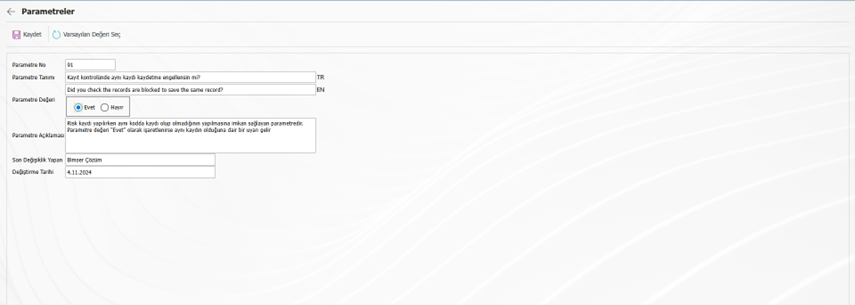
For example, in the RD.001.021 form, if the form is processed by selecting the very high value of the transaction repetition frequency field;
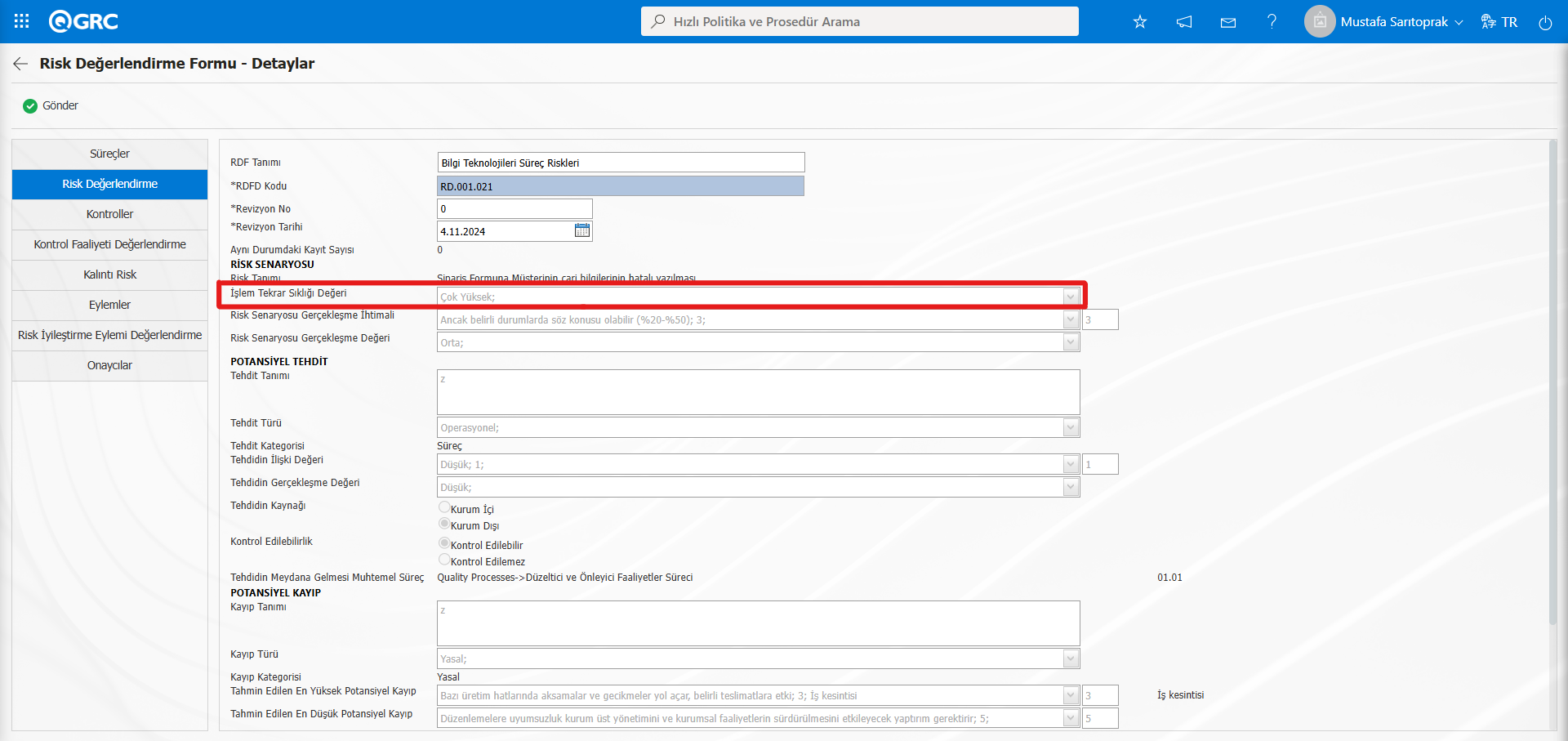
While defining a new form because the parameter value number 91 is determined as "Yes";
Error received while trying to save with the help of the send button;
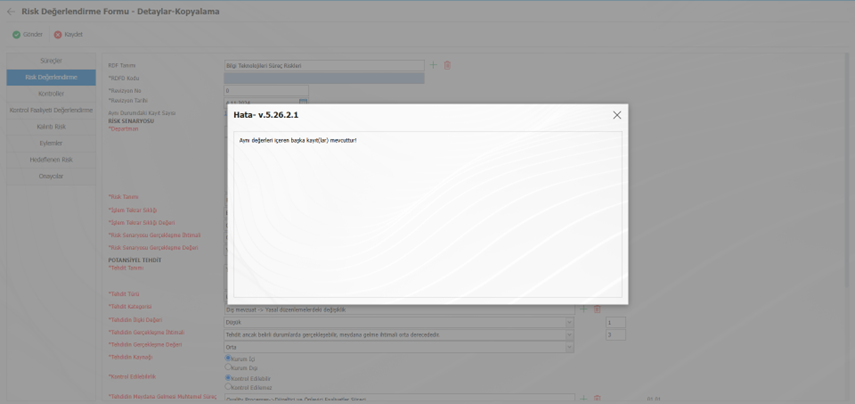
It will be in the form. Editing the relevant error message with the controlled field name can make it easier for the end user to determine which field has a duplicate/duplicate record. For this, Process Risk Management is selected in the SAT > BSAT > Configuration Settings > Language Settings menu and entered into the relevant error message in the Error Messages tab with the help of the change button.
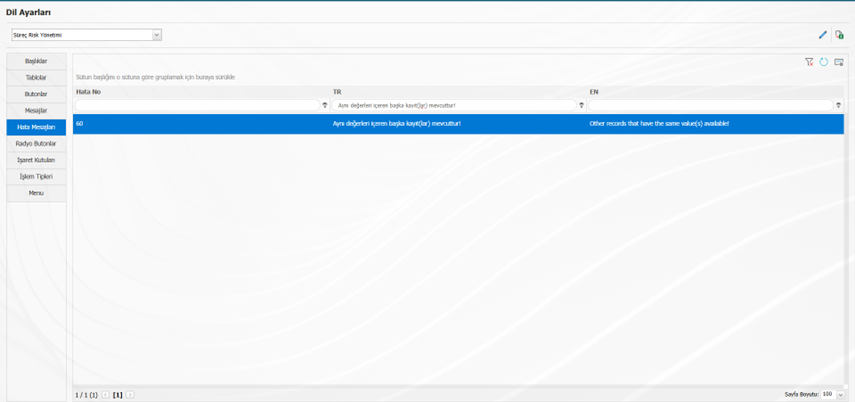
In the case of the example, if the value of the error message is changed to [There are other record(s) containing the same values in the "Transaction Repetition Frequency" field!], it will serve as a guide for the personnel processing the form.